A little smarter. A lot more connected.

Your content. The right screen.
The right time.

Manage images, videos, and PDFs in one place. Build playlists and schedule them across your screens and locations with GlücksCast.

Media. Playlists. Schedules. All in one place.

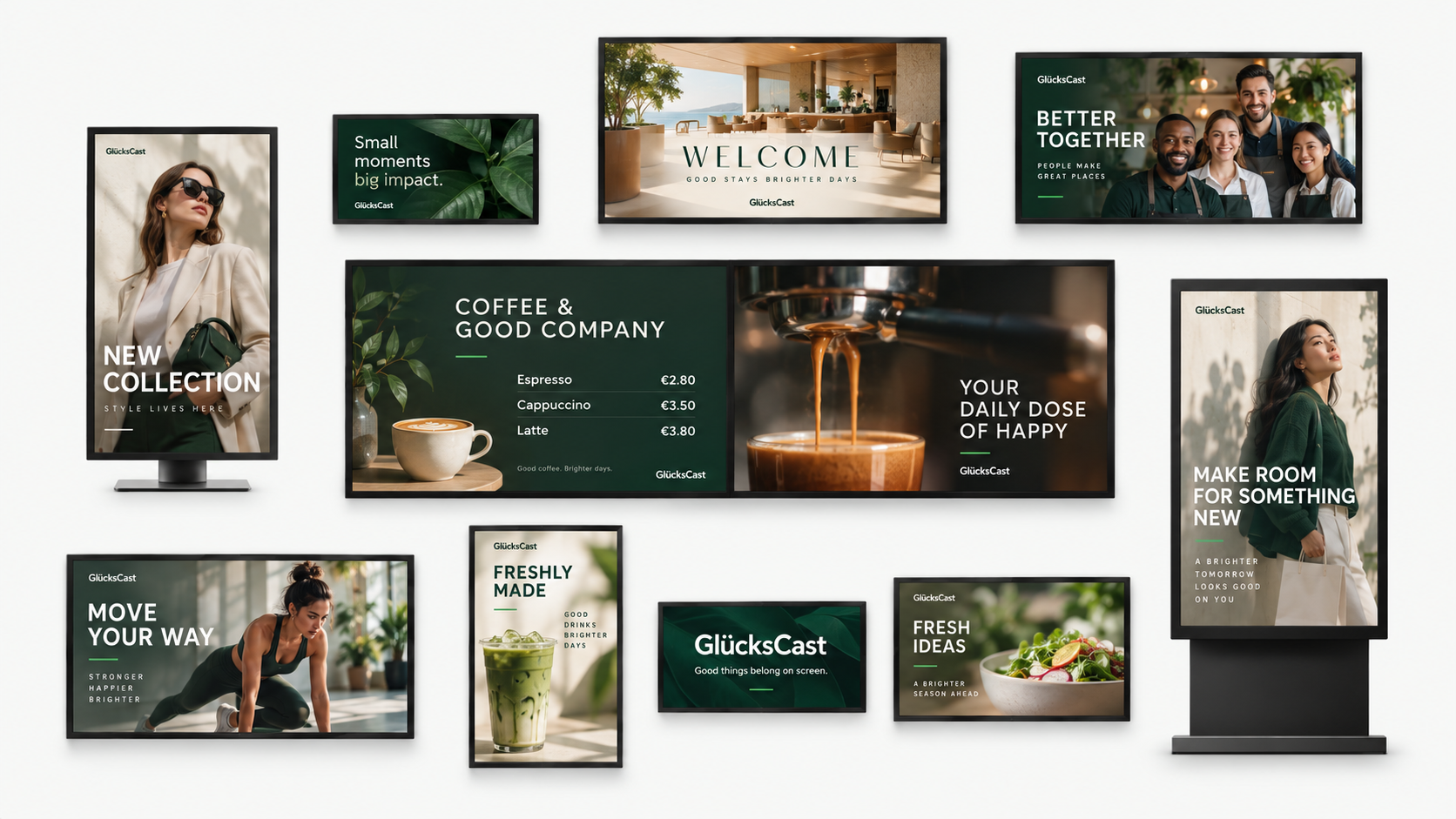
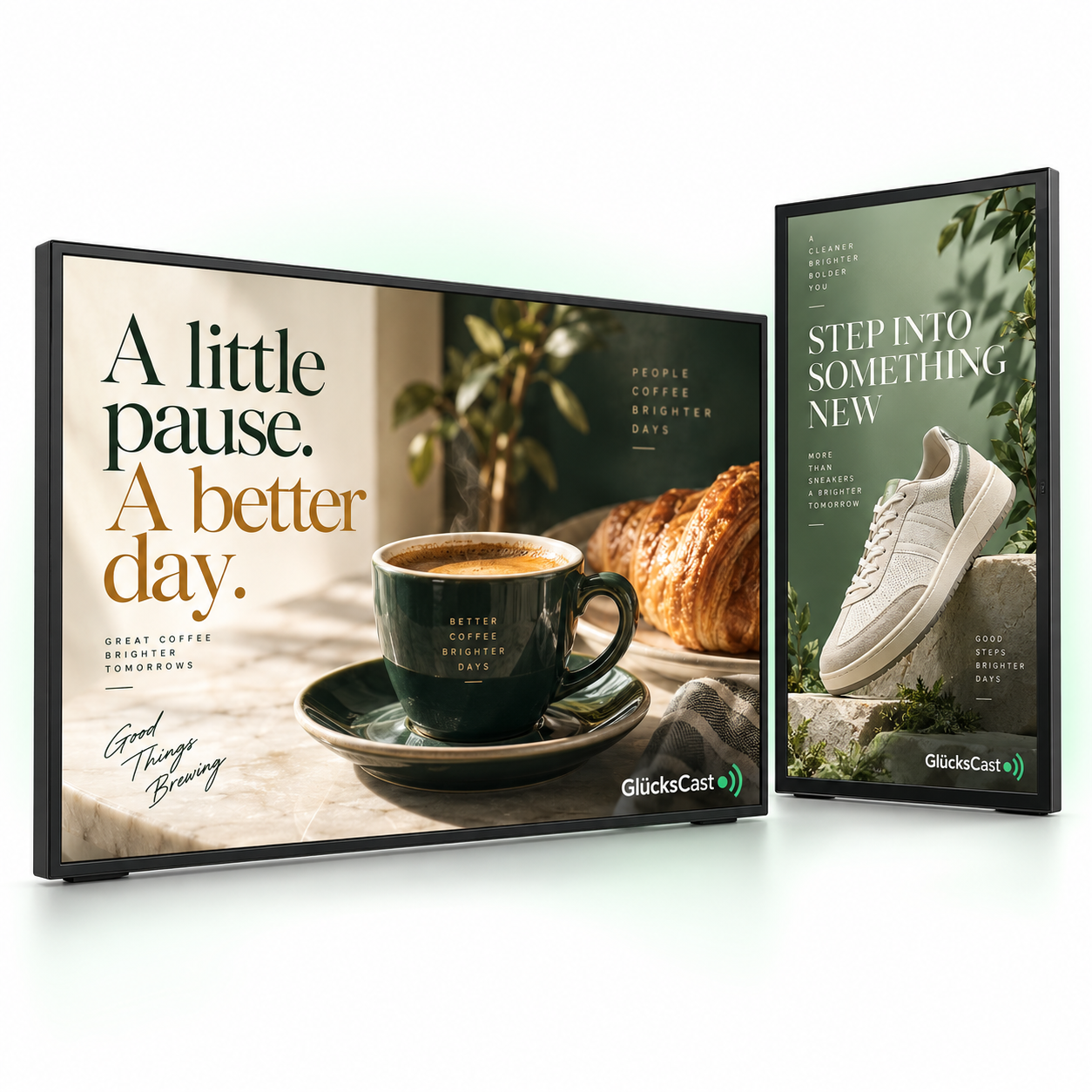
Landscape and portrait GlücksCast displays showing coffee and retail advertisements
Made for the way you work.
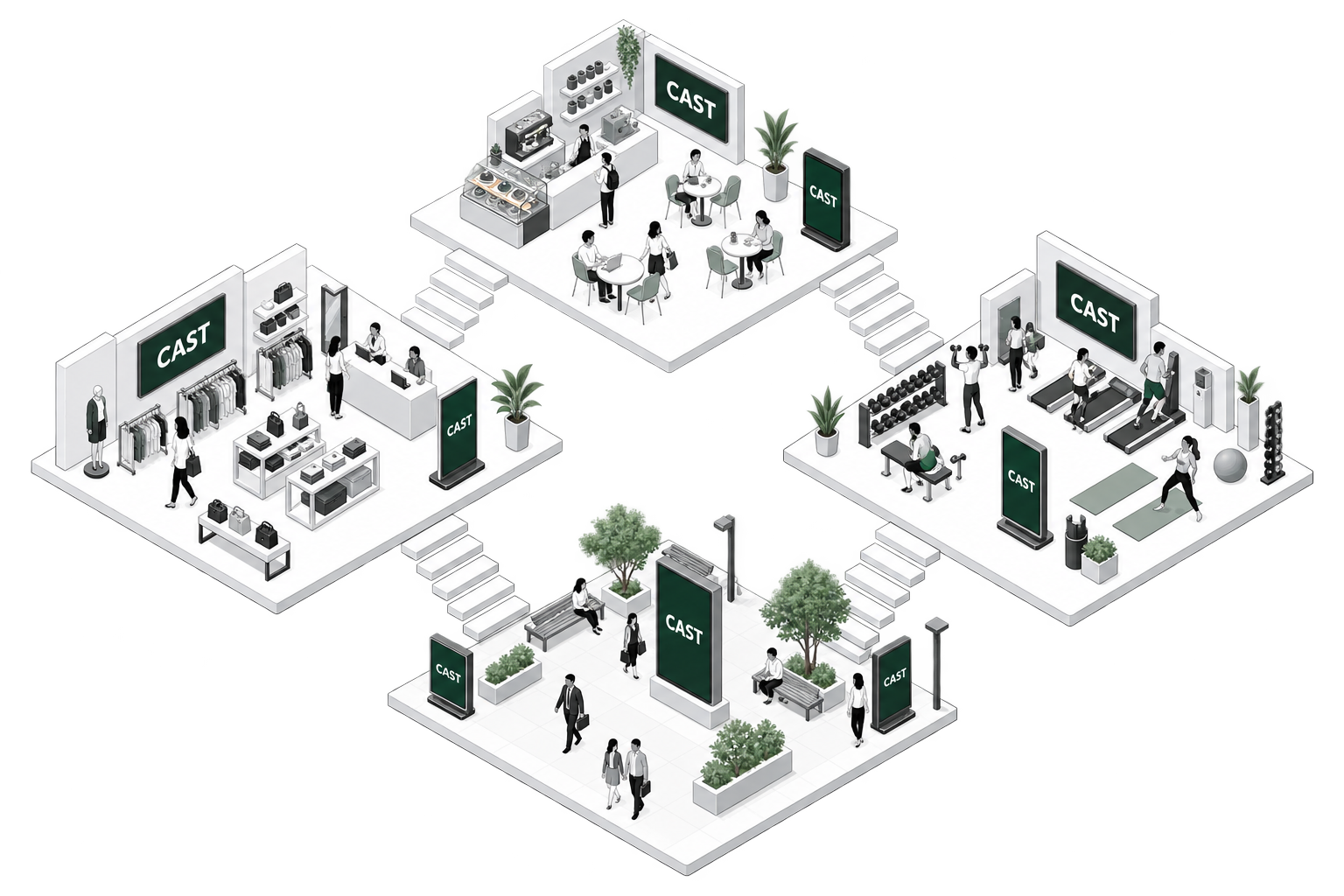
One screen Every location One connected experience
Isometric shopping center, gym, café, and advertising plaza connected by stairs, with people and digital screens displaying CAST

From your media library to your screens.

The right message.
The right place.
Every single time.

Upload JPG, PNG, PDF, and MP4 files. Arrange your content into playlists, set display durations, and choose the devices, weekdays, and time windows for playback.

Manage locations and customer areas centrally. Give administrators and staff the right roles, and see when each player last checked in.

  1. 01 Upload media
  2. 02 Build a playlist
  3. 03 Set a schedule
  4. 04 Play on screen
Find your solution

Less effort. More impact.

The GlücksCast difference.

Better communication starts with a simpler way to manage your screens.

THE OLD WAY

Without GlücksCast

  • Updating screens eats up your day
  • Outdated content across your locations
  • Playlists and schedules scattered across devices
  • Screens washed out by day, glaring at night
RE: Screen updateIs this the latest version?menu_final_v3_FINAL.pdf
TO DOUpdate the lobby screenSomeone has the USB drive…
MONDAY, 9:41 AM“That offer ended last week.”
THE GLÜCKSCAST WAY

Organized. In control.

  • Update your screens from one place
  • Keep content fresh across your locations
  • Spend less time managing, more time creating
  • Let brightness follow each location’s weather
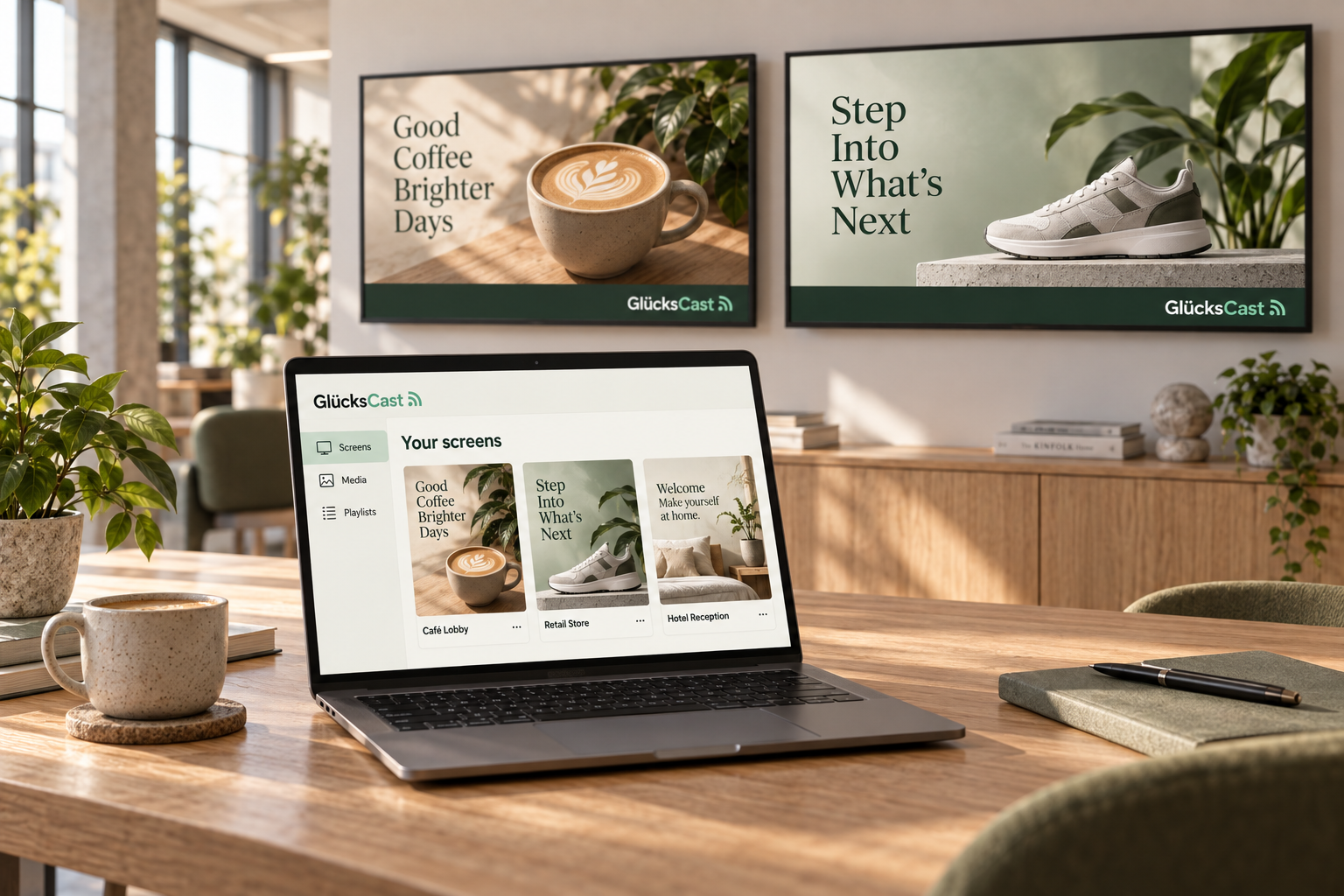
Illustrative GlücksCast workspace with a laptop organizing café, retail and hotel content alongside branded signage screens

Illustrative dashboard. Player contact confirms connectivity, not the picture visible on a display.

A screen for every story

At home in your industry.

From shop floors to reception desks, keep useful information where people can see it.

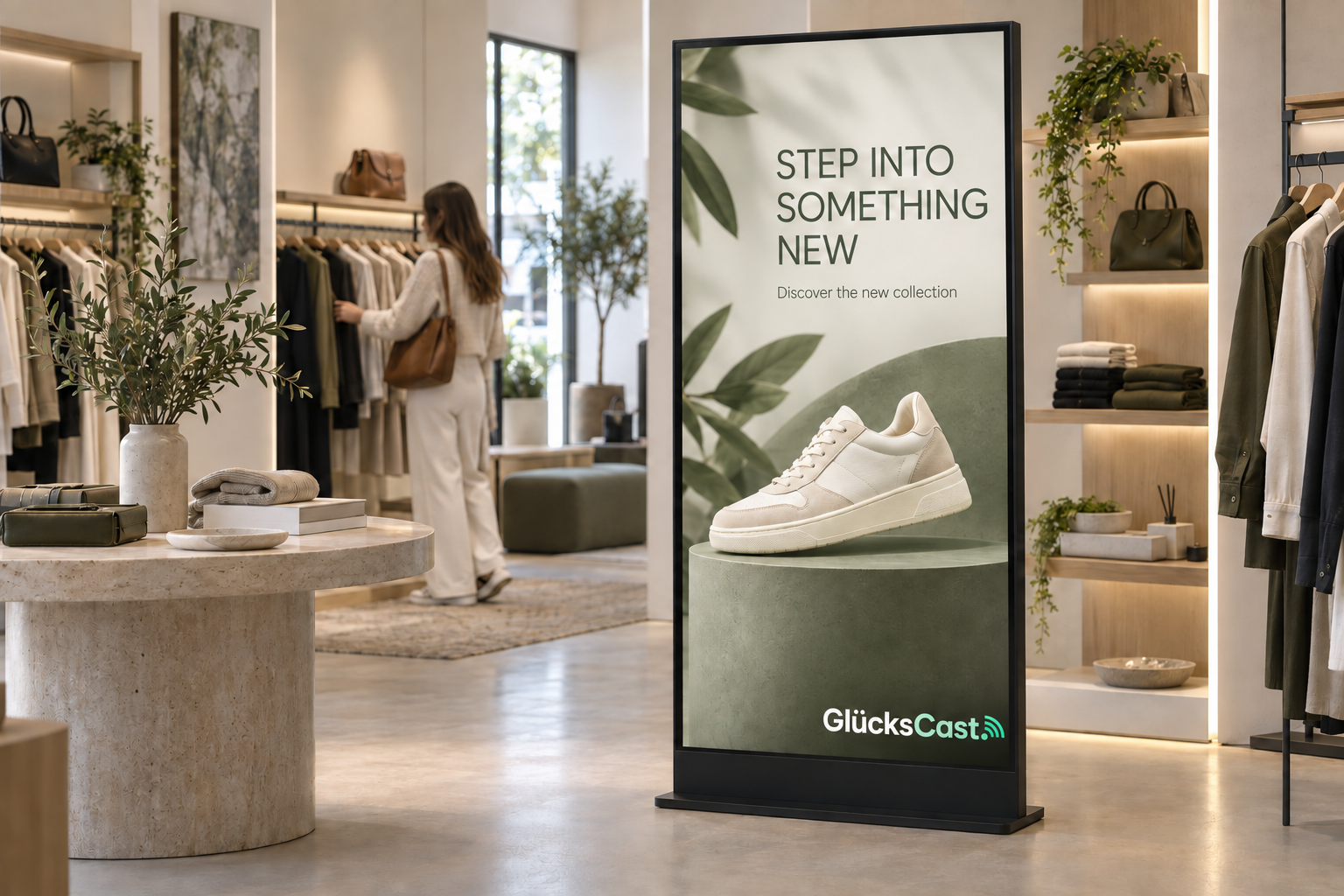
Retail showroom with a digital sneaker advertisement and the GlücksCast logo at the bottom right of the screen
GlücksCastMADE TO CATCH YOUR EYE.
Retail & showrooms

Turn a glance into a connection.

Schedule product images, promotional PDFs, and videos across your stores.

Your next discovery starts here.

Illustrative screen content. Made for your location.

Small devices. Big possibilities.

The right player for your screens.

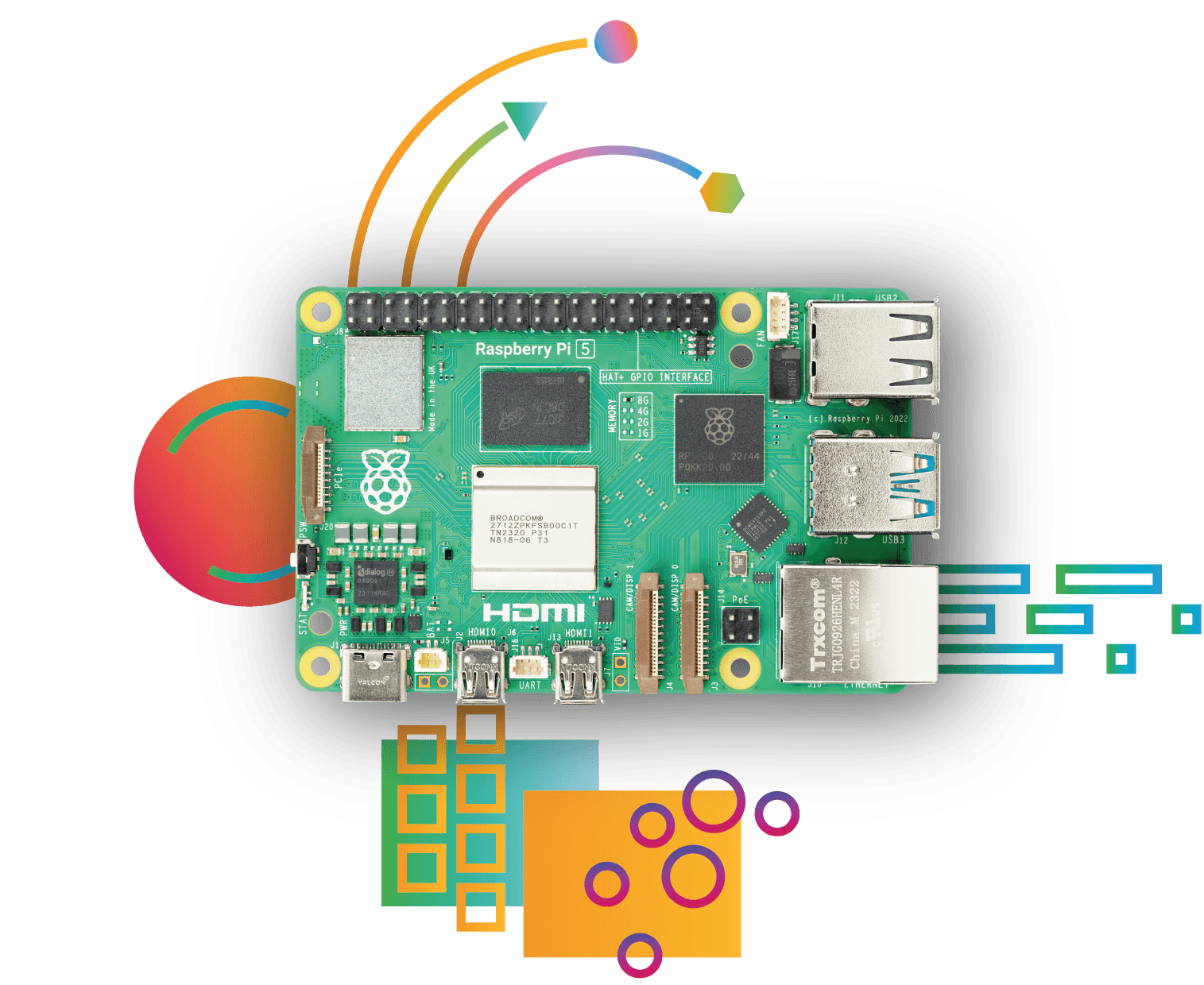
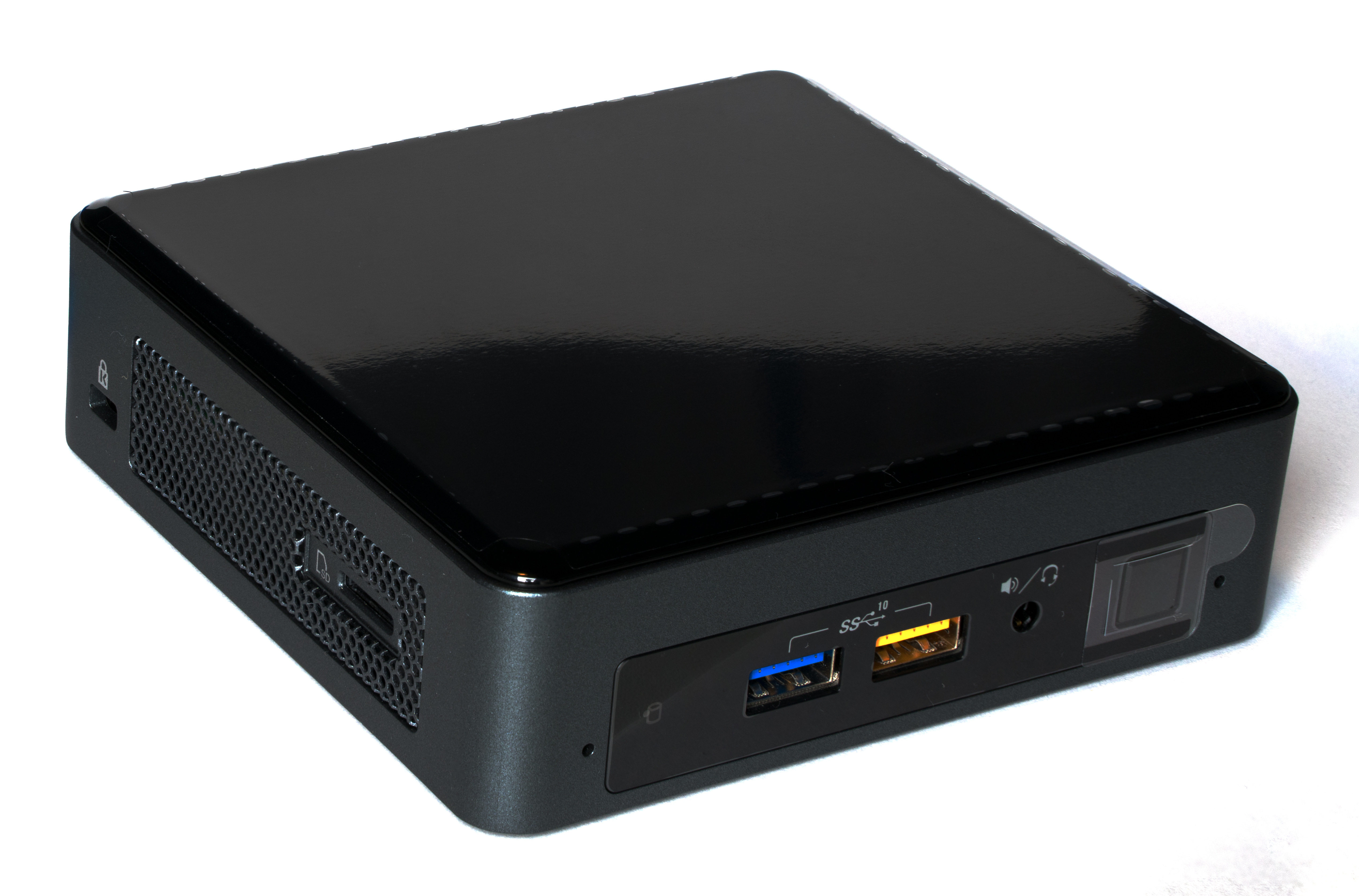
Connect your displays with a Raspberry Pi or Intel NUC running the GlücksCast browser player.

Raspberry Pi 5 single-board computer
Raspberry PiA compact browser-player setup.
Intel NUC8 compact desktop computer
Intel NUCA mini PC for your screen network.
YOUR DISPLAY. A COMPATIBLE PLAYER. GLÜCKSCAST.

Meet your screen’s new best friend

Familiar hardware.
Connected content.

A Chromium browser in kiosk mode brings your assigned playlist to the screen. Manage the content and schedule centrally, while the player regularly checks for its program.

  • Raspberry Pi or Intel NUC player
  • Reuse compatible existing displays
  • Check device status and last contact

Hardware is not included. We check your display, player, network, and video formats before setup. A network connection to the CMS is required.

Check your setup
Hardware photo credits

Raspberry Pi 5: Raspberry Pi. Intel NUC8: Laserlicht / Wikimedia Commons, CC BY-SA 4.0. Original photos, displayed without edits. Devices shown are examples; the exact setup is checked for compatibility.

Your next great idea goes here

Nothing between you
and better screens.

Bring your images, videos, and PDFs. Give them a place and a schedule.

Get inspired

Room to grow

The right plan.
For every screen.

Choose a hosted plan or run GlücksCast on your own infrastructure. Pay per screen.

Per-screen pricingEUR · excluding VAT

Hosted Starter

A straightforward start, hosted for you.

13.00/ month

Per screen · billed monthly

Self-onboarding · no setup fee

What’s included

  • JPG, PNG, PDF & MP4 media
  • Playlists and scheduled playback
  • 3 users · 3 locations
  • 10 GB media storage
  • Weekday email support

Self-Hosted

Your infrastructure. Your screen network.

99.60once

Per screen · one-time license

€990 mandatory one-time setup per deployment

What’s included

  • One production instance
  • 50 users
  • Storage depends on your infrastructure
  • First maintenance year included
  • Then €690/year maintenance per deployment

All plans are paid. Hardware is separate. Setup and maintenance charges apply per deployment, not per screen.

YOUR INFRASTRUCTURE. YOUR CHOICE.

GlücksCast, hosted your way.

With Hosted, we operate the server. With Self-Hosted, you run one production instance on your infrastructure and manage server operation, TLS, and backups. We help you get set up.

Good things belong on screen

Make your next
big impression.

Product images, welcome messages, menus, and event information. Turn your everyday media into playlists that suit each screen and location.

Let’s bring it to life
GlücksCast digital signage displays showing retail promotions, café menus, gym content, welcome messages, and team announcements

A little clarity

Good questions.
Straightforward answers.

What can I display with GlücksCast?

Upload JPG and PNG images, PDF documents, and MP4 videos to your media library. Add them to playlists, drag them into order, and choose how long images and PDFs stay on screen. Videos play for their full duration.

How do playlists and schedules work?

Assign a playlist to a device and choose a start time, an optional end time, and the days of the week. Priorities let you plan time-limited announcements. The browser player regularly checks for its assigned program.

Can I use my existing screens?

Existing displays can be used with a suitable browser player on a Raspberry Pi or Intel NUC after a compatibility check. We check the display, player, browser, network, and video playback together. Hardware is sold separately; compatibility is not guaranteed for every smart TV.

Does the player need an internet connection?

A network connection to the CMS is required. Offline playback and starting the player without a connection are not guaranteed. Your setup is checked before deployment.

What does the device status tell me?

The device overview shows online/offline status, the last heartbeat, and the assigned or running playlist. A heartbeat confirms contact with the player; it does not verify the picture physically visible on the display.

Can I manage multiple locations and users?

Yes. Manage devices, playlists, and locations or customer areas centrally. Roles divide responsibilities between administrators and staff. User, location, and storage allowances depend on your plan.

How does self-hosting work?

GlücksCast is installed on your infrastructure in one production instance. You are responsible for server operation, TLS, and backups. The technical check also covers your database and mail setup. Mandatory setup costs €990 per deployment; the first maintenance year is included, followed by €690 per year per deployment. All prices exclude VAT.

What is included in support?

Hosted Starter includes weekday email support. Hosted Business includes prioritized weekday email support and an onboarding workshop as part of its setup. Standard plans do not include an SLA or 24/7 support. Individual integrations are quoted separately.

SEE IT. CHECK IT. MAKE IT YOURS.

Powerful digital signage.
A little more Glück.

Explore the workflow in a 30-minute demo, then check your hardware and hosting needs. Start with the setup that fits your screens and your team.

Choose your plan

GLÜCKSCAST

Your next step.